
Installation in 20 minutes
You can install Yaware.TimeTracker in three ways, and all of them take no more than 20 minutes.
You can install Yaware.TimeTracker using:
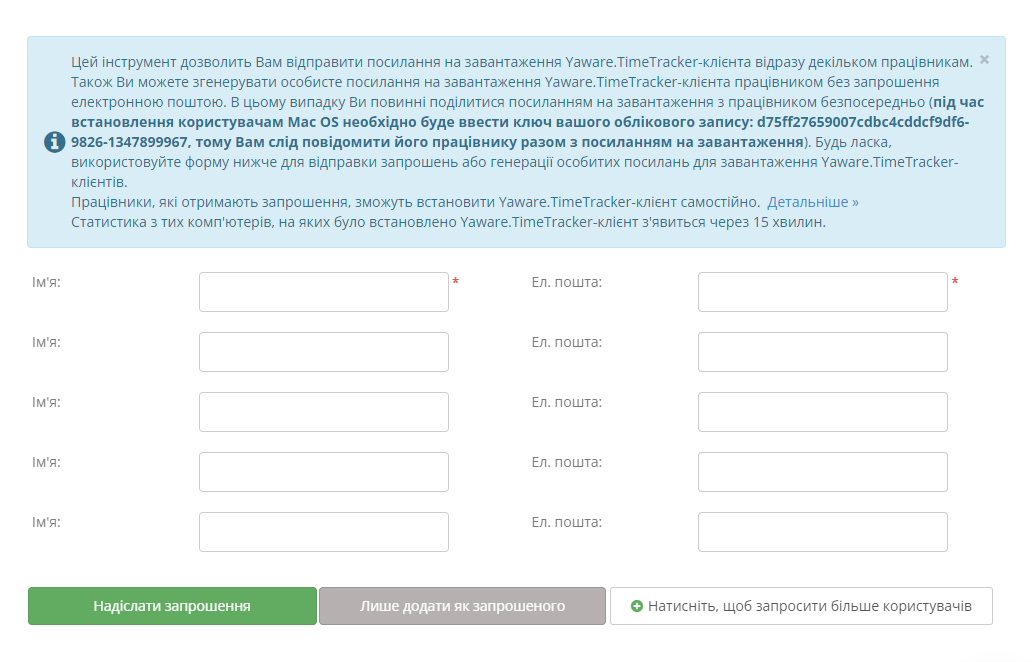
- Yaware Network Setup — network installation programs (for installation on a large number of computers);
- by downloading the application to removable media and installing it on each PC;
- by sending an invitation link to employees by email (they download the program independently by following the link).
Choose the most convenient way for you and install Yaware.TimeTracker. It’s simple!
>>>
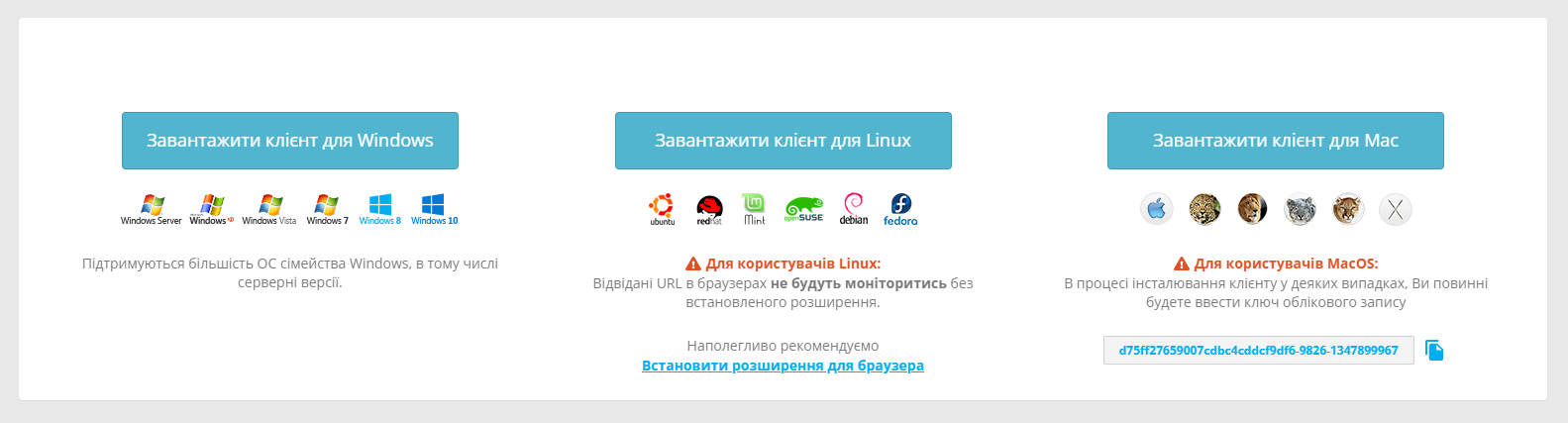
Windows, Linux, Mac OS support
It does not matter what operating system is installed on the computers in your company.
Yaware.TimeTracker supports all popular operating systems: Linux, Windows and Mac OS.
All program updates are free and happen automatically. Therefore you have
there will always be the most current version of the program.
Flexible settings
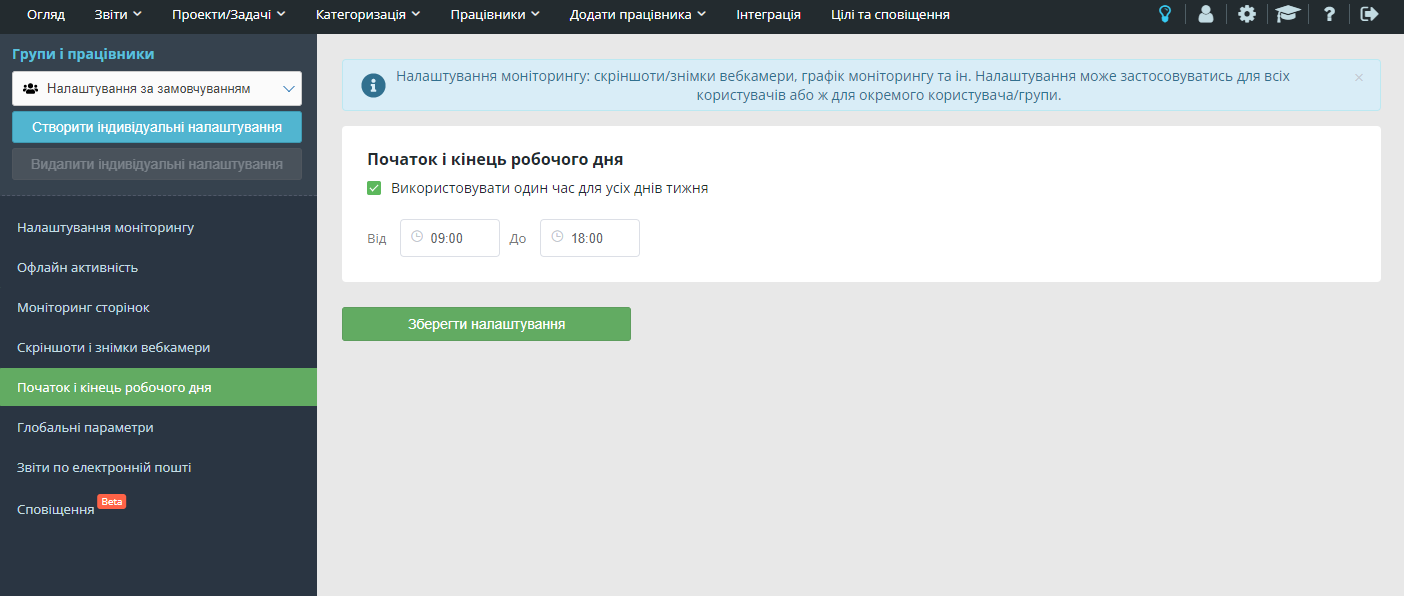
Yaware.TimeTracker has flexible settings that can be set not only for each department, but also for a specific employee.
You can:
- specify monitoring schedule: round-the-clock or at specific hours;
- adjust performance for different programs and sites depending on the duties performed by the employee;
- enter tasks that the employee performs away from the computer: meetings, meetings, visits to the client, presentation, etc.
Thus, with Yaware.TimeTracker you can monitor absolutely all employees of the company regardless of their work schedule, remoteness and functional duties.
Terminal server support
Your staff works both on local network computers and on remote PCs, and you want to receive correct statistics about their work?
Yaware.TimeTracker supports terminal server.
And this means that you have nothing to worry about. You will get a complete picture of the working hours of employees and see what each of them is doing, even when working from home.
Install Yaware.TimeTracker and see how easy it is to monitor staff with a time tracking program!