
We can help install Yaware.TimeTracker in your organization. The assistance is provided through the remote-access tools TeamViewer or AnyDesk.
If you already use TeamViewer or AnyDesk, send our specialist the session ID and the temporary password or approve the connection request when prompted.
How to install TeamViewer
- Open the TeamViewer download page. Select the full version for Windows, macOS, or Linux and download it.
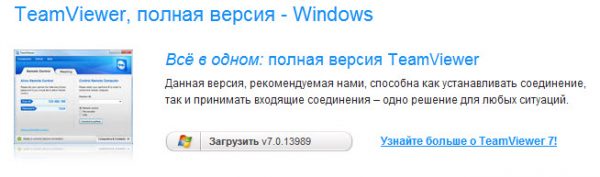
- Install the application.
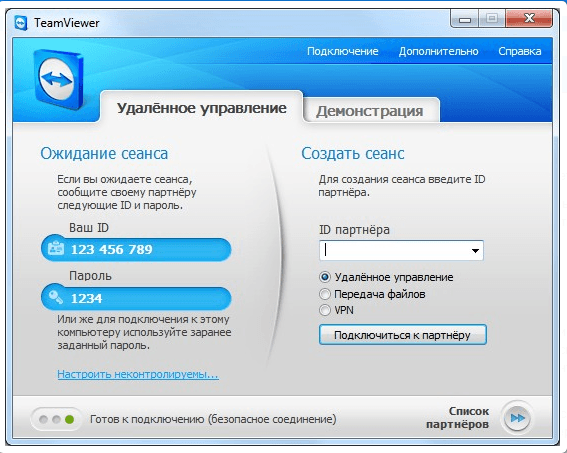
- Start TeamViewer and send our specialist your ID and temporary password.
How to install AnyDesk
- Open the AnyDesk download page. Select the version for Windows, macOS, or Linux and download it.
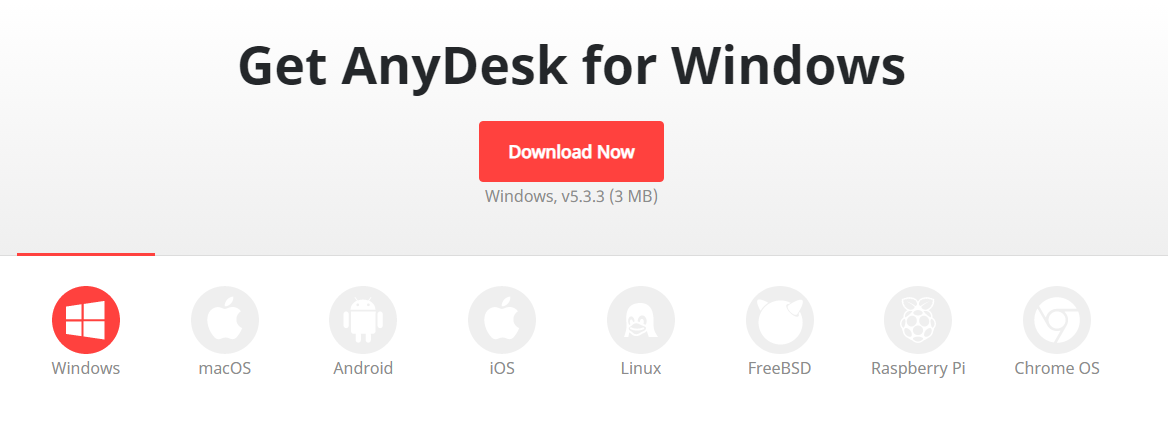
- Install the application.
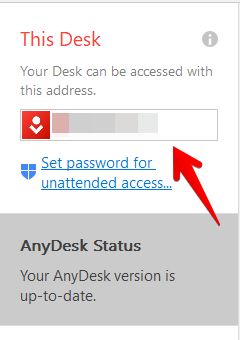
- Start AnyDesk and send our specialist your ID.
- Approve the connection when our specialist connects.
You can watch the complete Yaware client installation while our specialist performs it.