
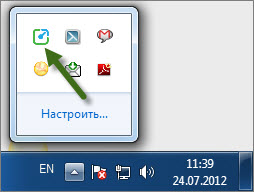
To see the statistics on the computer, move the mouse over the Yaware icon. TimeTracker’s in the system track.
 You will see a window showing the current statistics:
- Total time of work;
- Quantity productive, neutral and unproductive, used time.
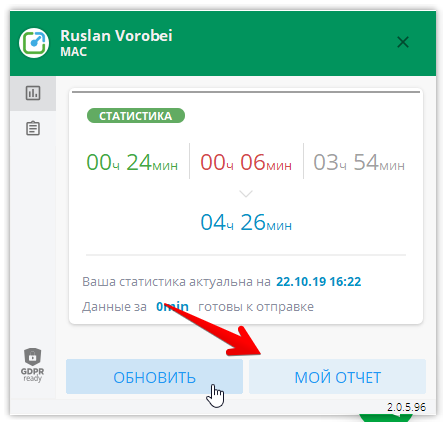 To see detailed statistics about work, click on “My Report.”
 So the user will be able to see statistics about their computer at the current and past periods.