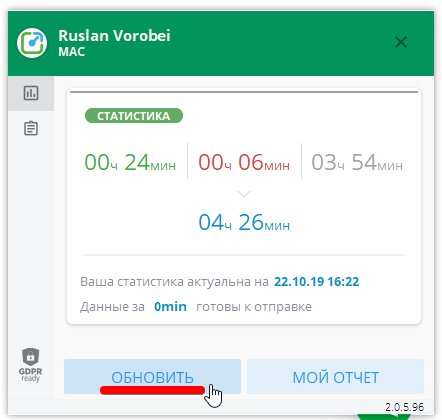
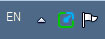
To update your statistics, click on the Yaware.TimeTracker icon in the system track. Then click on Update.
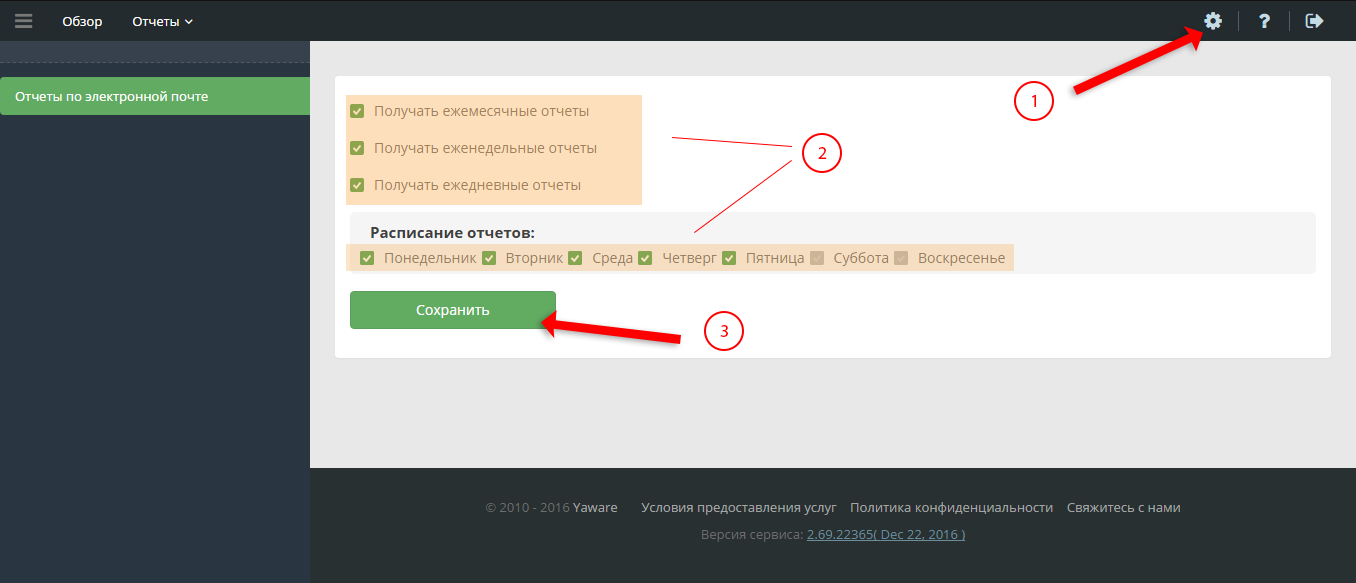
 To be able to get reports on e-mail, do the following steps:
- Click on the “Yaware.TimeTracker” icon track
- Press the “My Report” button.
- In your office, click on the “Configure Monitoring” menu item.)
- Click on the check box to select which reports you want to receive in email and with how often.
- Click Save.