
Enable screenshots. When this option is selected, Yaware.TimeTracker periodically takes screenshots of users’ desktops. The minimum screenshot interval is 1 minute. You can increase this interval as needed.
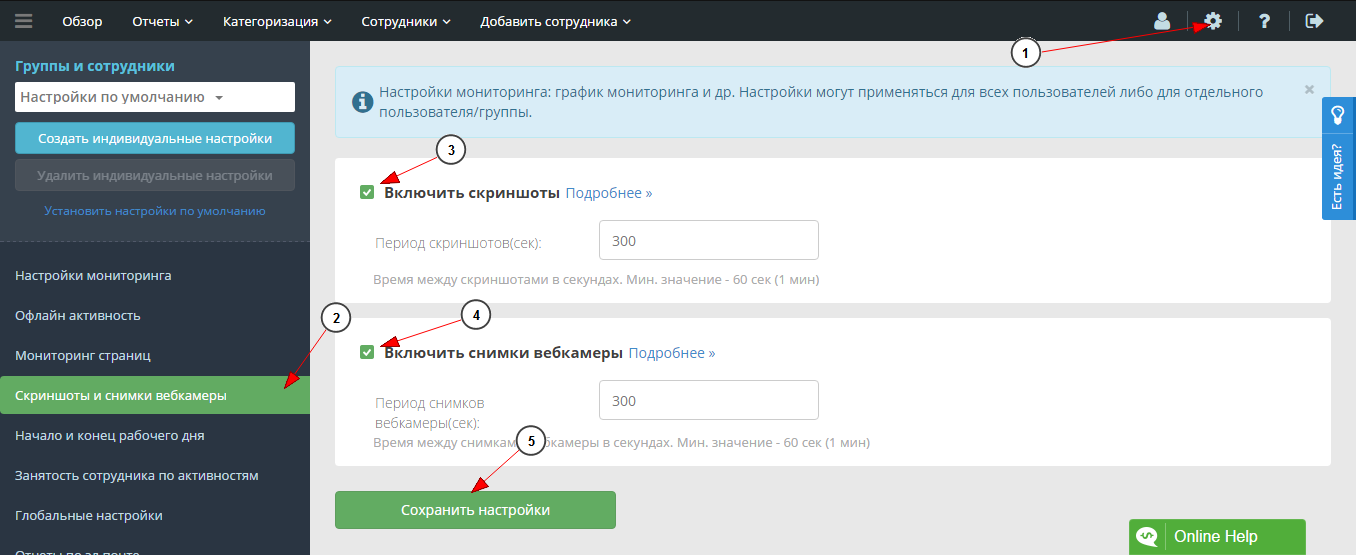
Screenshot capture settings
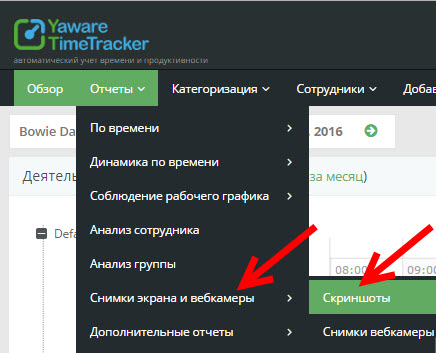
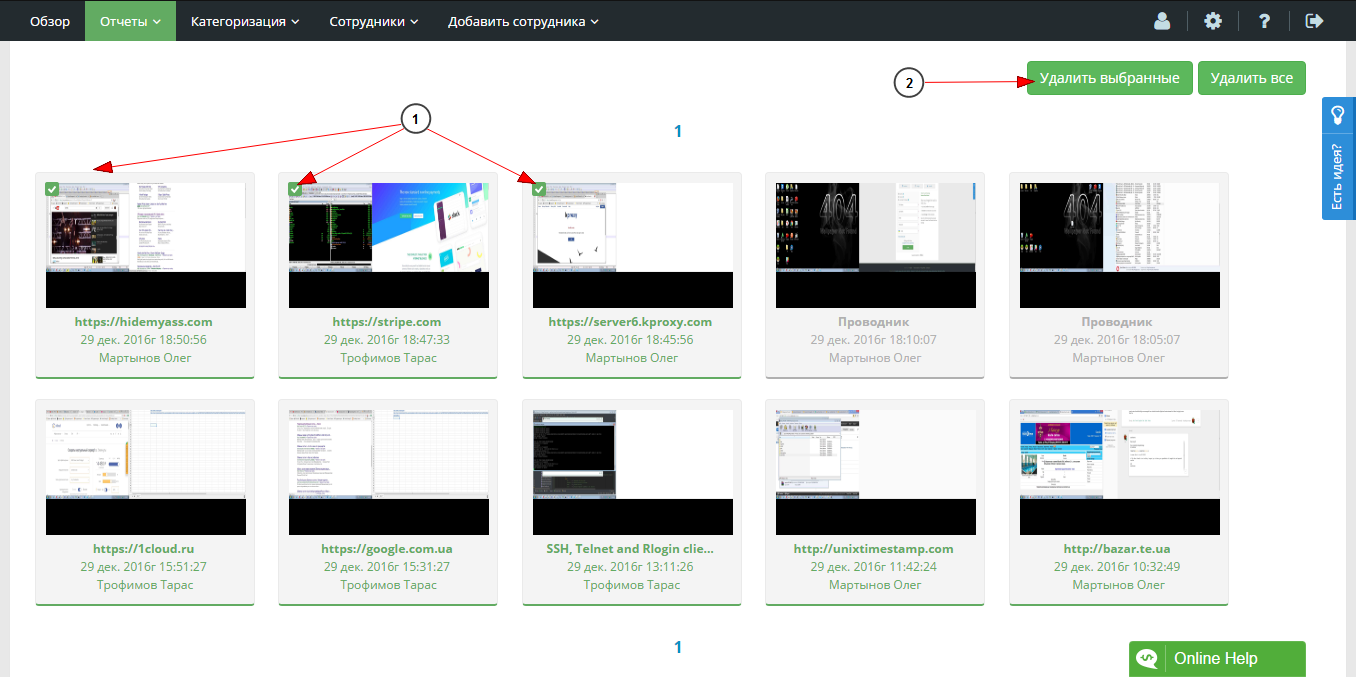
To manage screenshots, sign in to your account and go to Reports → Screenshots and webcam images. Select the images you want to remove from the account and click Delete selected.
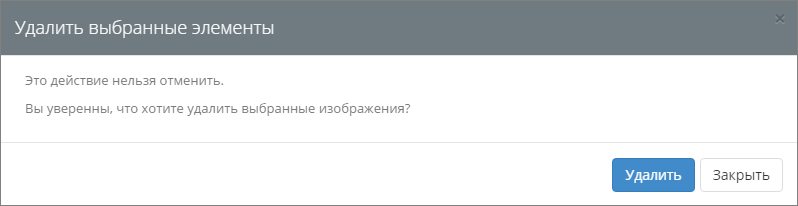
If you are sure, confirm the action by clicking Delete in the dialog.
You can also download screenshots and webcam images as a ZIP archive.
