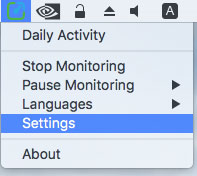
- Right click on the Yaware icon. TimeTracker in system track
- In the drop down menu that appears, select the “Settings” menu item
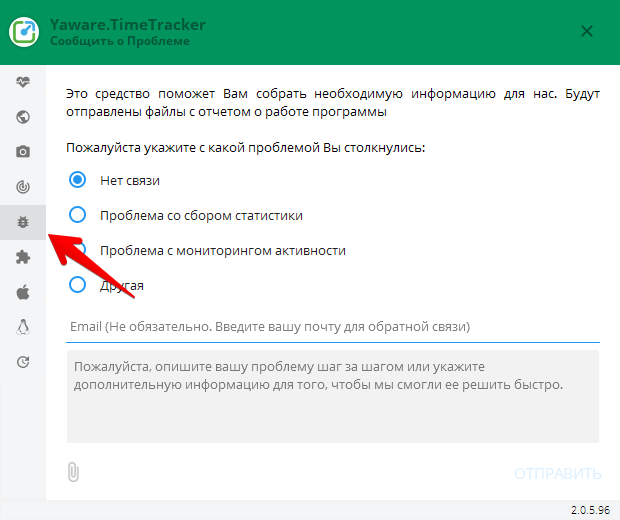
- In the dialog, go to the “Report isse” tab
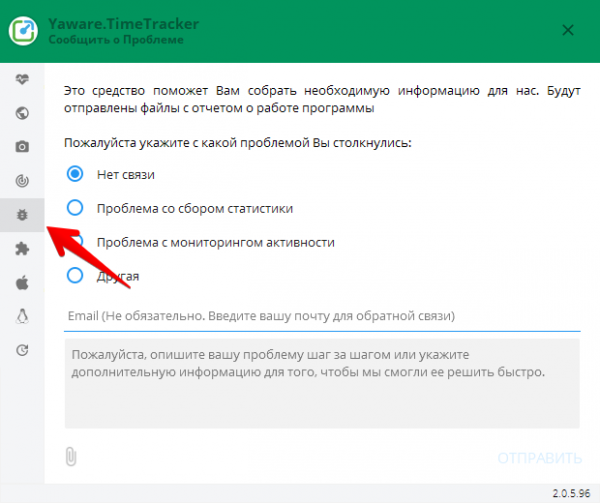
- Use the radio buttons to clear the problem you faced. In the text box you can enter a detailed description of the problem
- Press the “Send” button