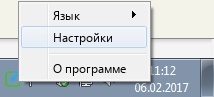
- Right click on Yaware’s icon. TimeTracker in system tracks in taskbar
- In the drop down menu that appears select “Preferences”
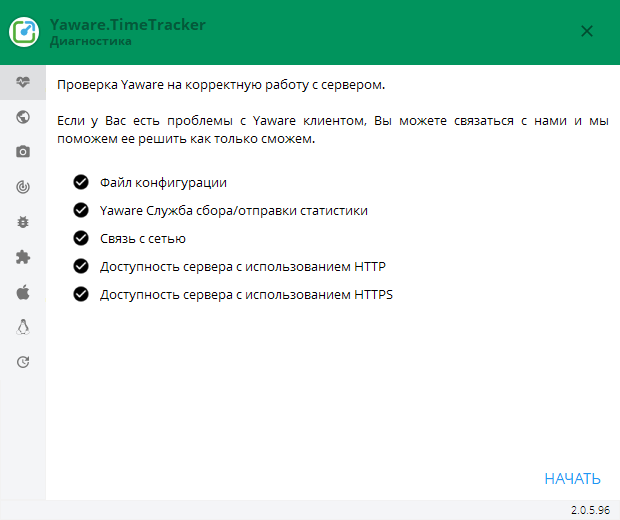
- Click on the “Diagnostics” tab
- In the lower right corner of the window press the Start button
After that, each of the options will install a badgeif a successful check and a badgeif the check is off