
Registered as a partner, you get access to your partnership account.
Partner Actorate– this is your personal office where you’ll see connected customers and pay for it.
See the possibilities of your study.
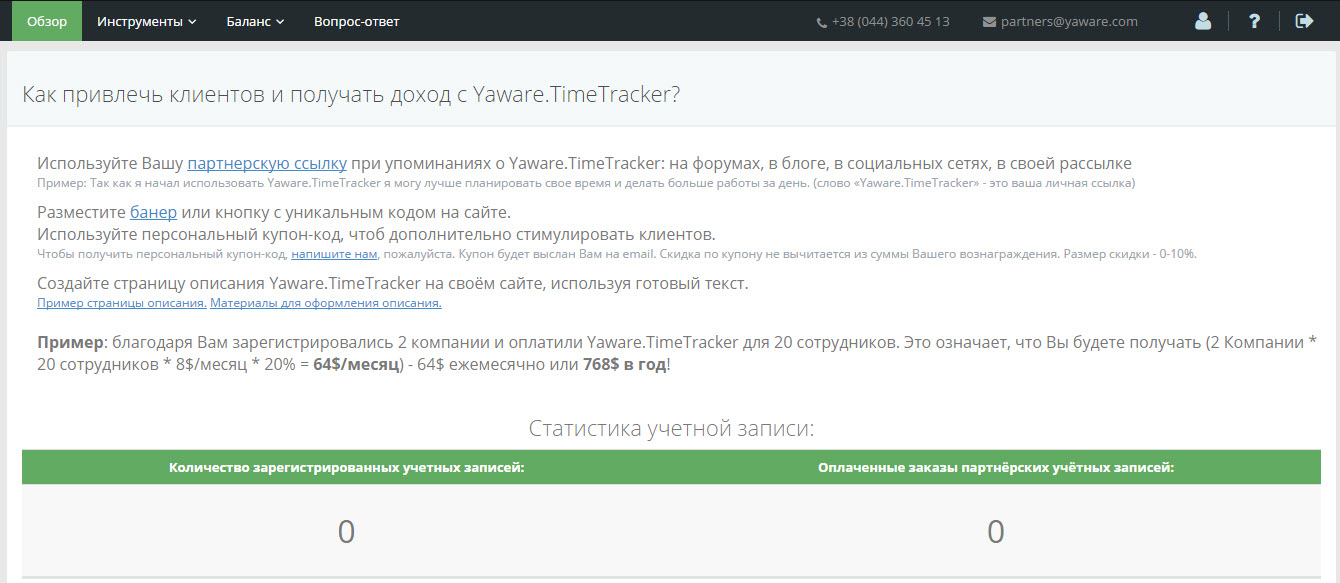
The Overview tab
You first go to the Overview tab. It contains general information:
- “How do you get customers in Yaware” — described by different tools for reductive customer acquisition. Here you can also invite a coupon to a discount for your clients (the maximum discount is 10%);
- “Accounts Statistics” – the number of accounts logged in and paid subscriptions, the sum of your commission’s reward.
The Tools tab
Social Networks
Do you have an account on your social network on Twitter and contact?
Use it to attract more customers. To do that, separate the invitation link to Yaware.
Your referral link will automatically be built into this message.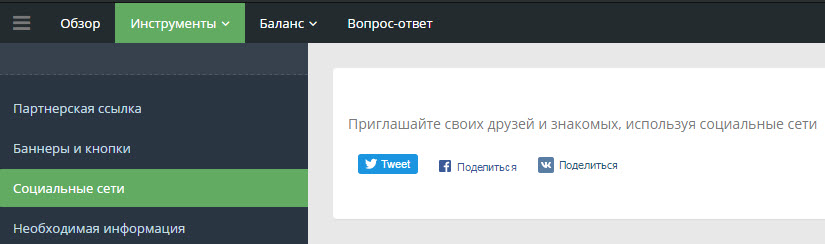
Bunders and buttons
You will find bank code and buttons here.
Select the one that represents the size and design of your site. Add the selected code to your website.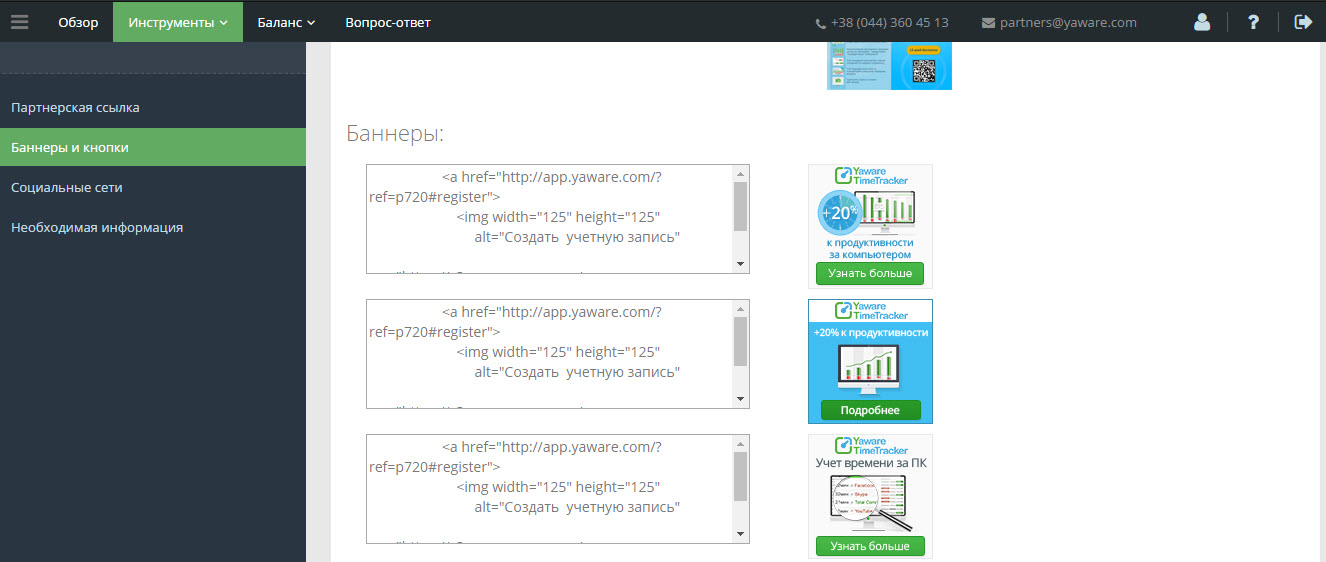
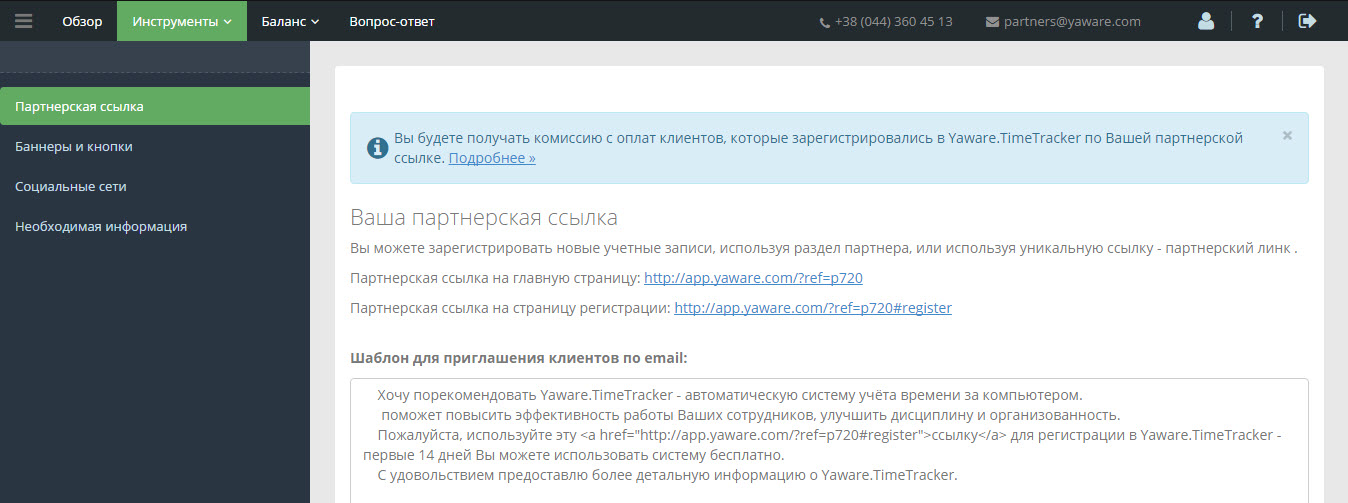
Partner Link
Contains your individual partnership link that you can put on your site. Use it when you invite new users.
Use reductor:
- Send an email distribution to your partners and clients. Describe how you use Yaware.TimeTracker and add the phrase “To learn more, register.” On the word “register” put your referral link down;
- Put reference into the marketing material about Yaware.TimeTracker is on your website. Soon after you register a partnership account, the partner manager will send you information about service Yaware.TimeTracker. This information is specially prepared for your site and is unique.
The Balance tab
Here you have information about all of your customers involved, their monthly plans and payments.
Balance
Select the period you want your statistics to look at.
You’ll see:
- How many accounts have been registered at this time;
- How many subscribed;
- Your commission reward.
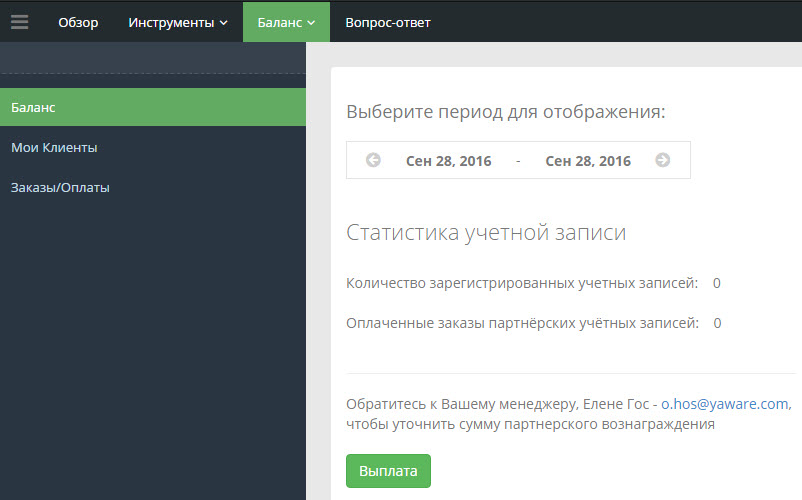
Note:Also, you can look at your balance sheet in the upper right corner of the personal cabinet or look for more detailed information to work with partners.
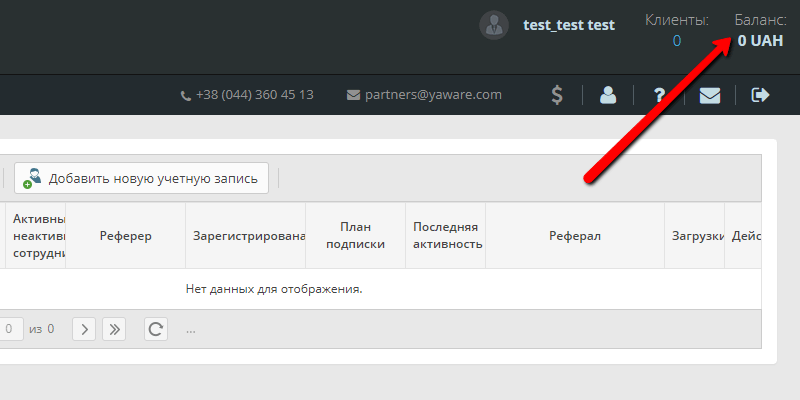
My clients
Contains information on all your customers:
- Client name and email;
- Address;
- The coupon on the discount – if your bank’s registration client put your coupon code in. Allows you to monitor the efficiency of customer acquisition channels (seminar, conference, email-distribution);
- Active / deactivated users – number of active / inactive Yaware users. TimeTracker Your Client;
- Registered – registration date;
- Subscription Plan – the term of test / propped accounts of Yaware.TimeTracker Your Client;
- Last activity;
- Loading;
- Actions.
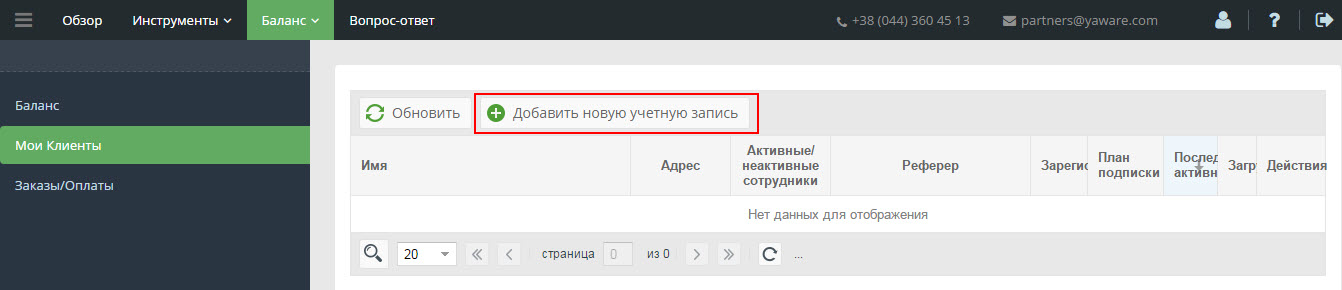
You can add, edit and delete accounts:
- The Add New Account button allows you to add a new account yourself. Warning: The client will receive messages on the specified email – therefore specify a valid address and contact your client.
- The Edit Account button will change the client’s data.
- The “Remove Account” button allows you to remove your client’s account with the partner account. All of this account’s data is removed forever.
Order / Subdue
It allows you to see all your customers’ orders.
Order information contains:
- Order number;
- Account & mdash; client information, email, registered in the system;
- Status is paid / unpaid;
- Total & ndash; the amount the customer pays for its subscriptions;
- Number of users to pay each client;
- Period is the date to which the subscription is paid in Yaware;
- Athens is the address of the site-Ethiopian if your client registered in Yaware.TimeTracker via Abstract Link;
- Updated – Date of last update;
- Created – creation date.

The Question-Answer tab
Do you have any questions?
Click on the’Play-Answer ‘to go to the page“Questions / Answers for the Partner Program”.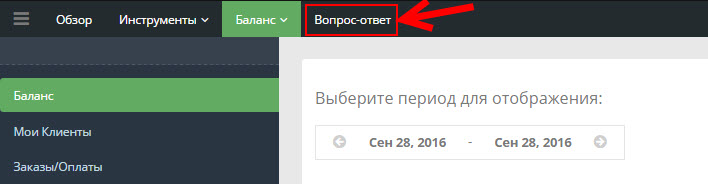 & nbsp;