
A period report shows all projects and tasks for the desired time period. Click on the drop-down calendar box to select the desired time period. Change the year by clicking the arrow next to the year.
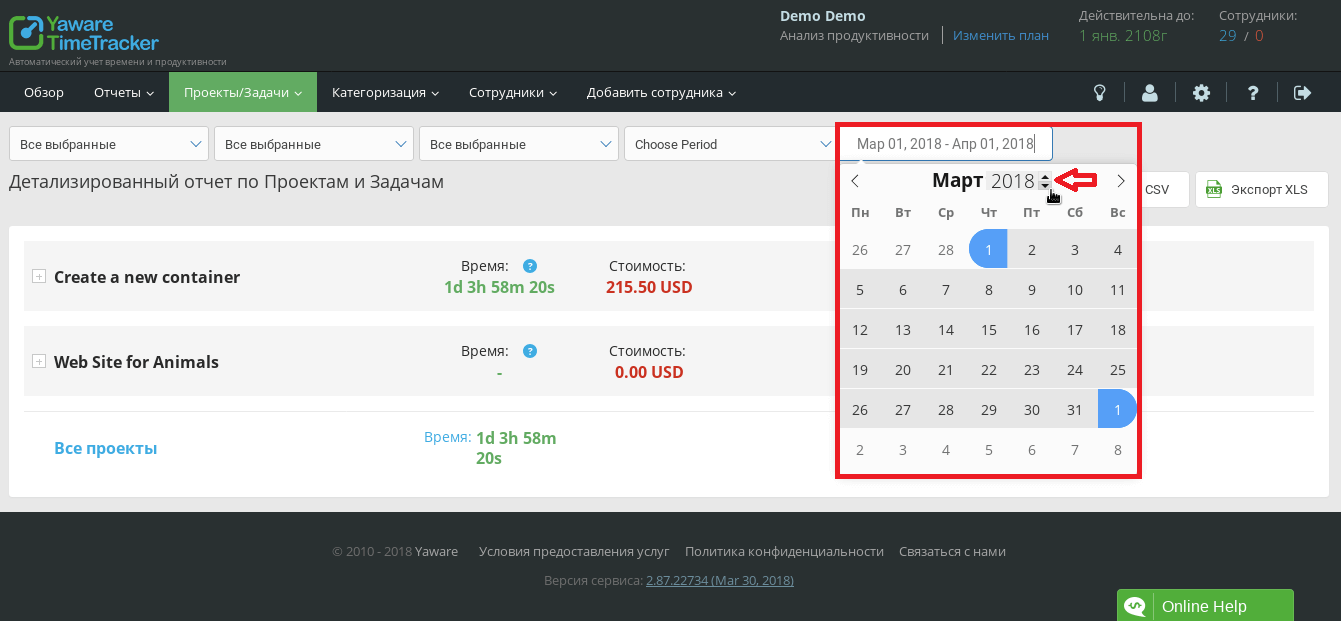 You can also view the report from the last Monday or from the first day of the current month.
 The following tasks are included in the report for the selected time period:
- Tasks started in the selected time interval.
- Tasks completed during the selected time.
- Task in progress.
- Blocking tasks.
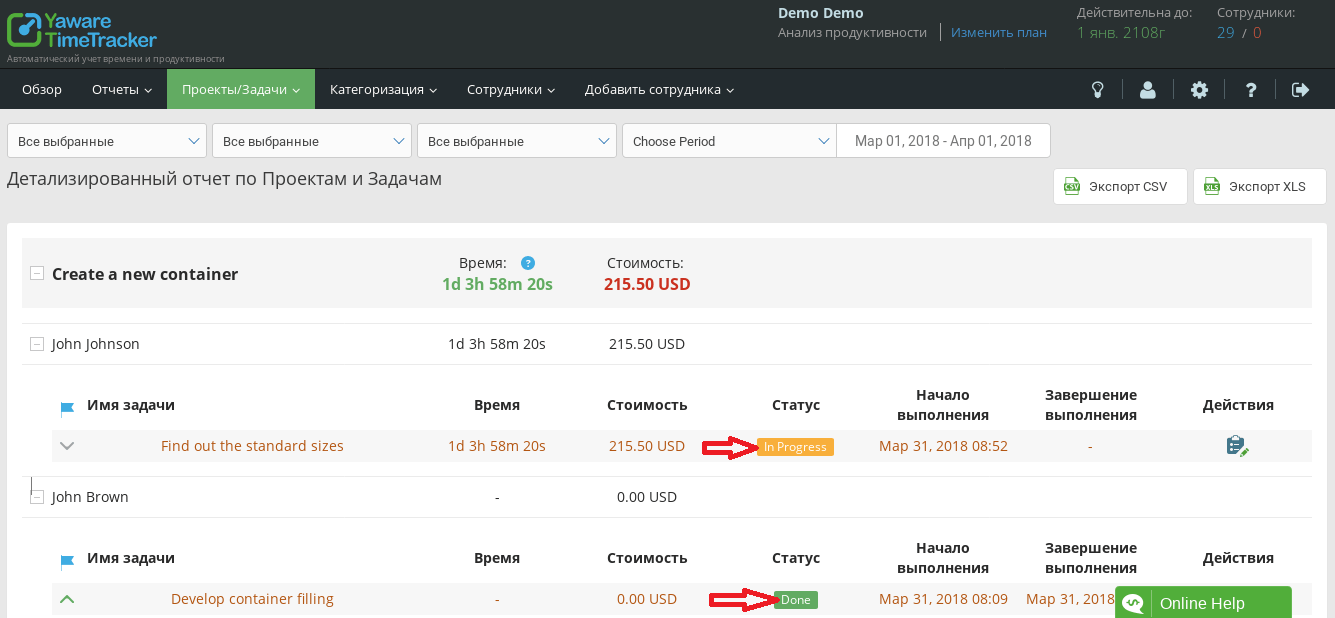
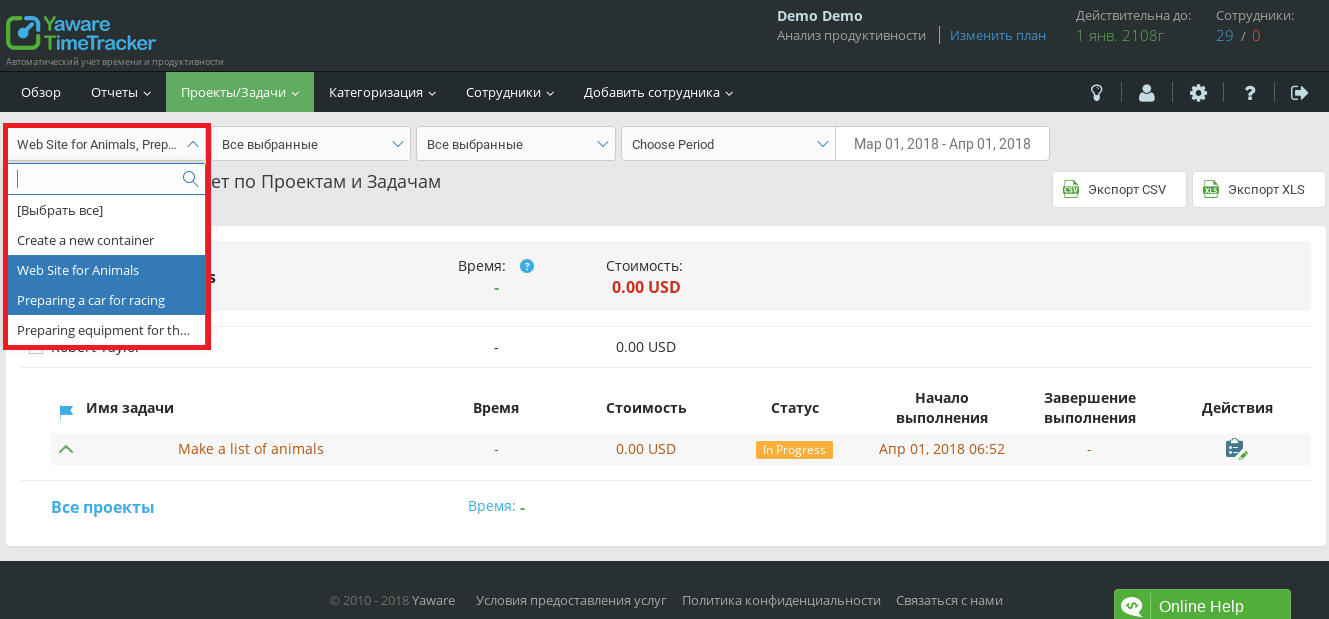
If necessary, use several parameters to filter the data. Select one, two or more projects from the drop-down menu to view a report on all tasks of these projects in the selected time period.
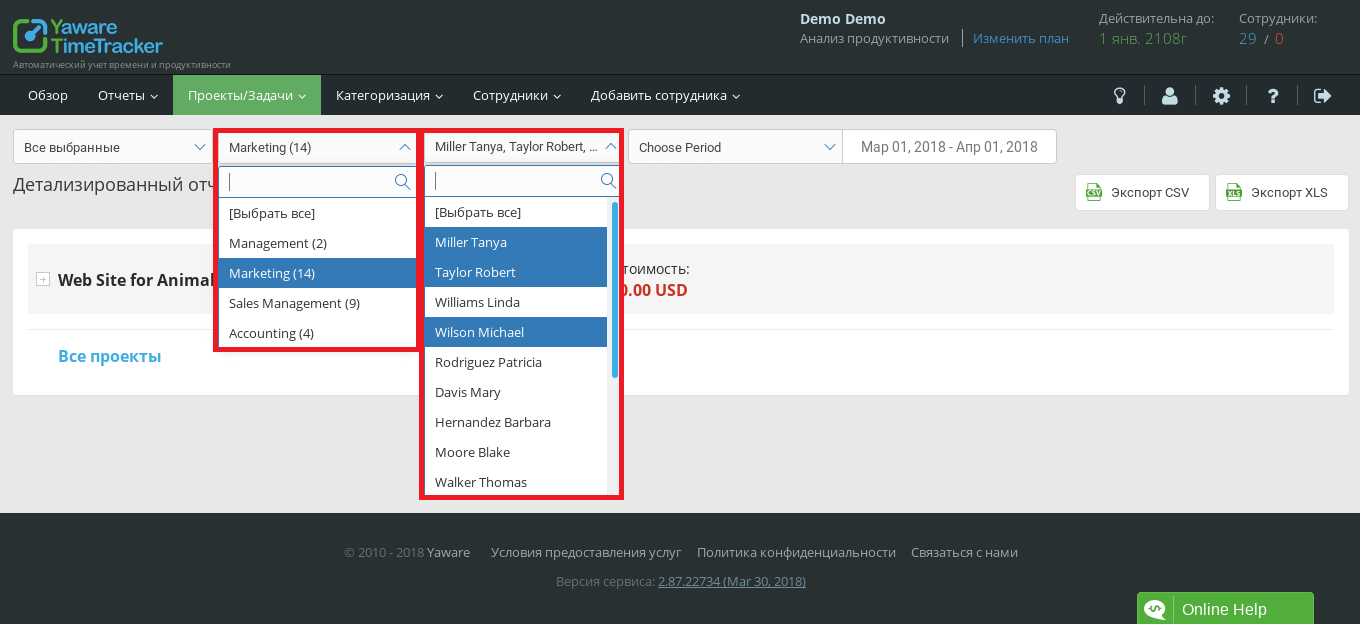
 Filter tasks by category or performer. All tasks matching the selected parameters will be included in the report. You can select several necessary elements in the filters. For example, multiple performers or multiple task categories. By clicking the Select All button, you will automatically select all available data in this drop-down menu: employees, projects, and more.
 Then export the report in convenient CSV or XLS format. The file with the report will be saved in the folder corresponding to your browser settings.
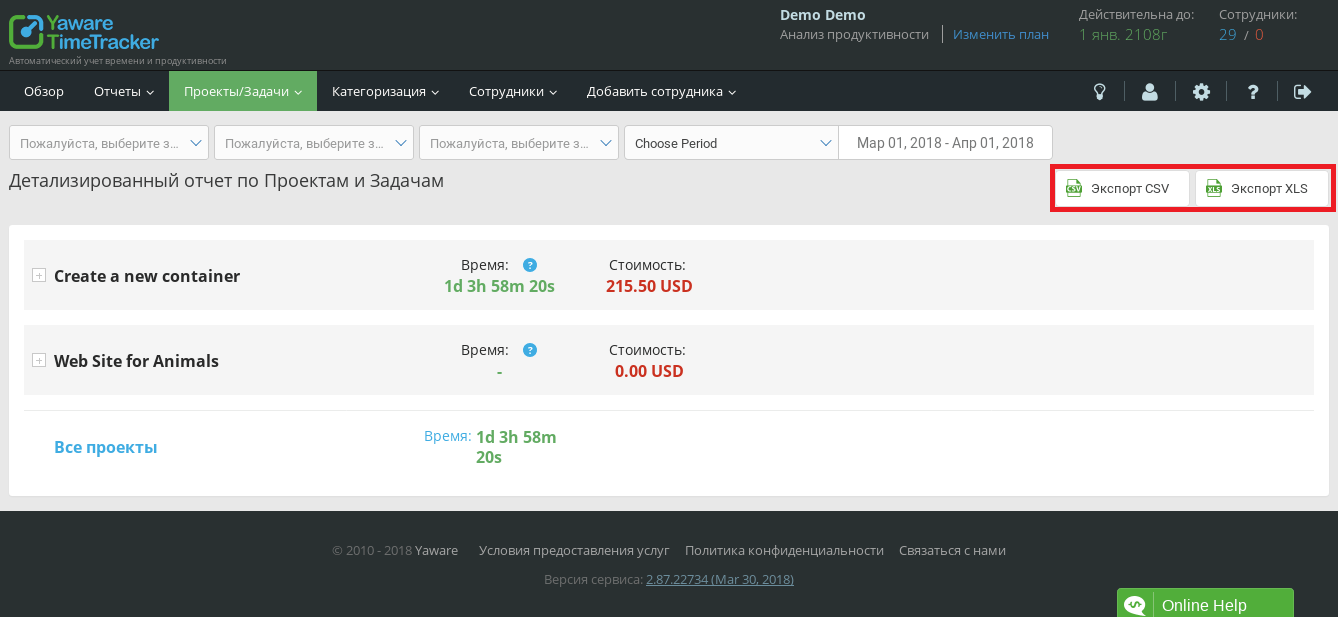 In the exported report, data on all tasks in the selected time period will be available. If filters are used, all filtered tasks for the selected period.